
Skip to content
HC Trading HubTHE INDEPENDENT TRADER'S WORKSPACE
Appearance
THE CONNECTED TRADING TOOLKIT

Technology built around
the trading process.

From market analysis and risk planning to trade journaling and performance evaluation, HC Trading Hub brings practical trading tools into one connected environment.

FIND YOUR STARTING POINT

A purpose for every tool.

Explore the capabilities currently enabled by the platform. Each introduction explains its audience, requirements and limitations. A public listing does not grant tool access.

01 / TOOLKIT

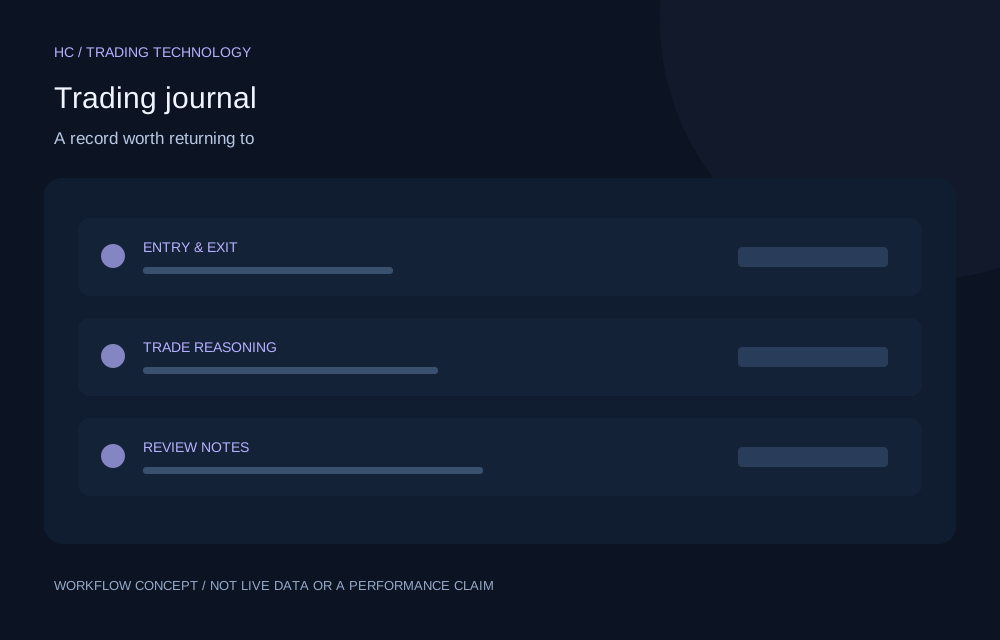
Trading Journal & Performance

Concept illustration for Trading journal; not a live product screen or performance result
Free core tool

Trading journal

Turn individual trades into a record you can learn from.

  • Record trade reasoning alongside entries, exits and outcomes.
  • Import supported XLS, XLSX and CSV formats, including supported MT5 reports.
  • Export records and revisit the decisions behind a setup.
Free · account permissions applyExplore feature
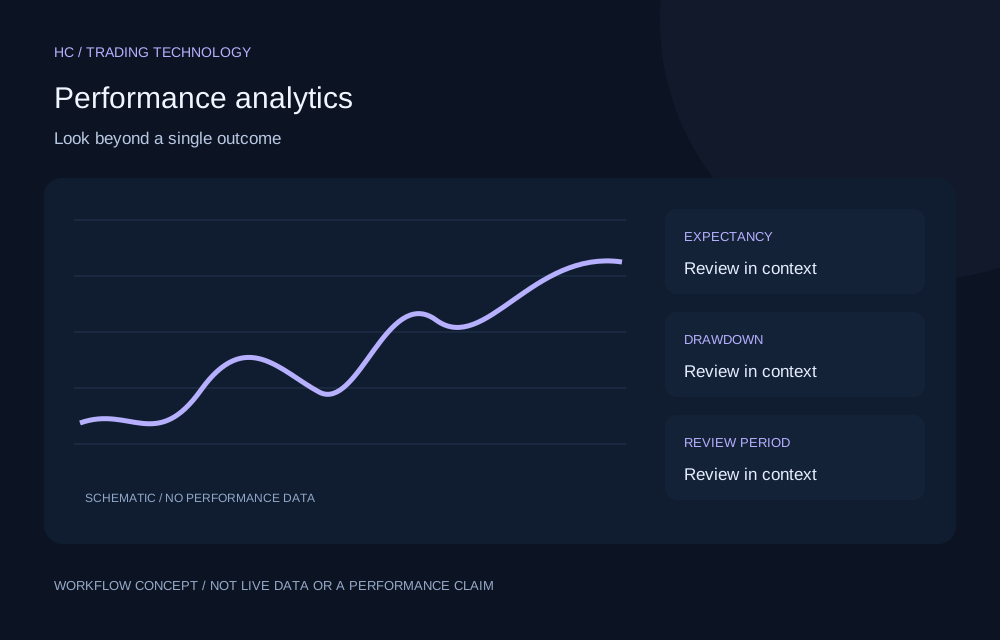
Concept illustration for Performance analytics; not a live product screen or performance result
Free core tool

Performance analytics

Understand the pattern behind your results.

  • Compare win rate with profit factor and expectancy.
  • Review drawdown, equity development and consistency measures.
  • Filter journal results by supported periods and account stages.
Free · account permissions applyExplore feature
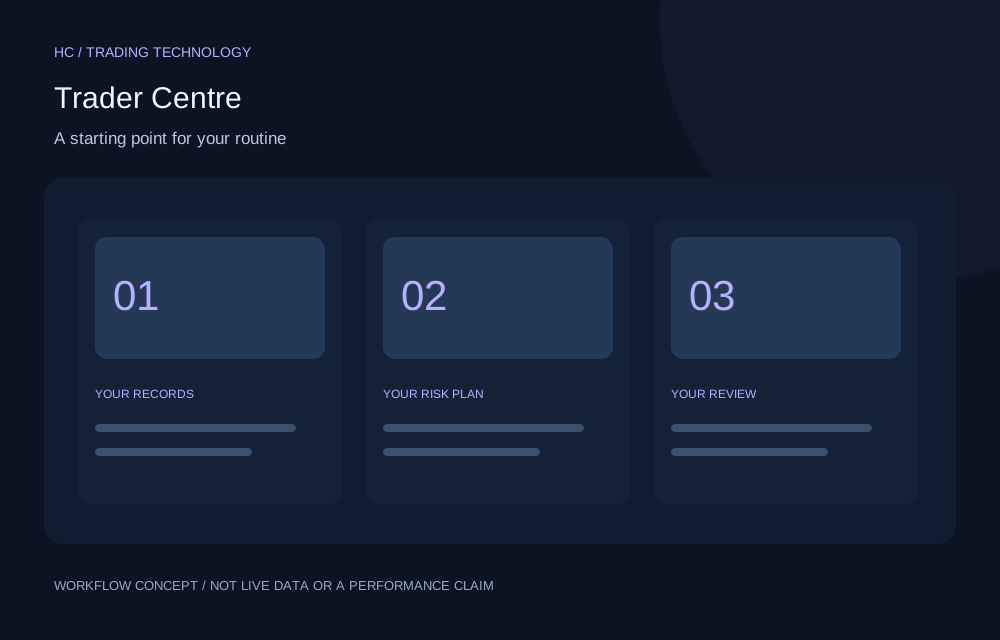
Concept illustration for Trader Centre; not a live product screen or performance result
Free core tool

Trader Centre

Keep your trading review organized around a shared workspace.

  • Navigate the enabled trader tools in one workspace.
  • Move between recordkeeping, review and risk workflows.
  • Use the functionality permitted by your account level.
Free · account permissions applyExplore feature
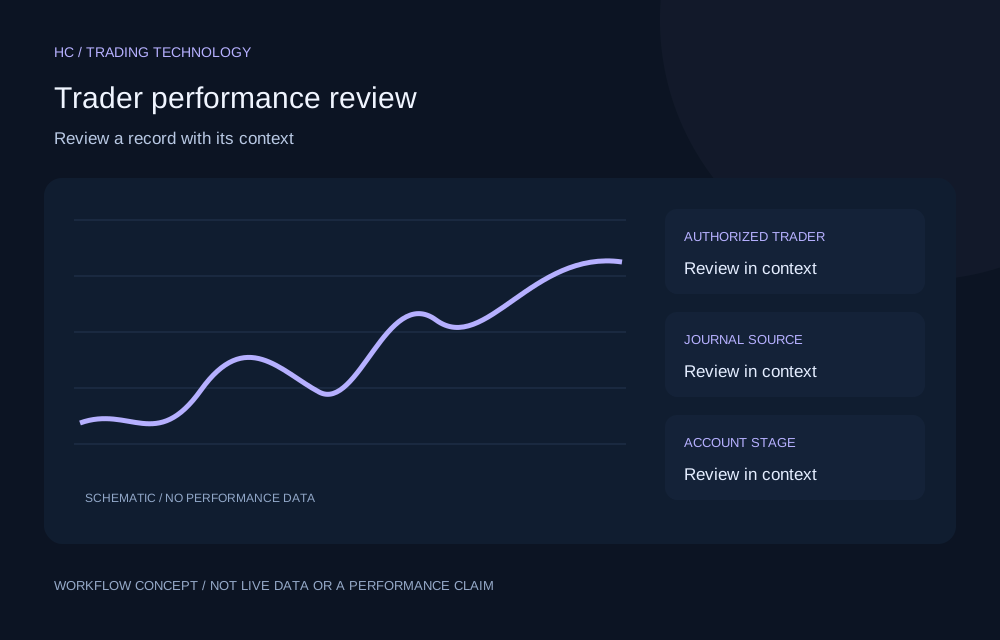
Concept illustration for Trader performance review; not a live product screen or performance result
Restricted role access

Trader performance review

Review an eligible trader record with its context intact.

  • Review selected trader journal performance.
  • Filter by supported source, period and account stage.
  • Consider configured evaluation rules alongside recorded results.
Account permissions applyExplore feature
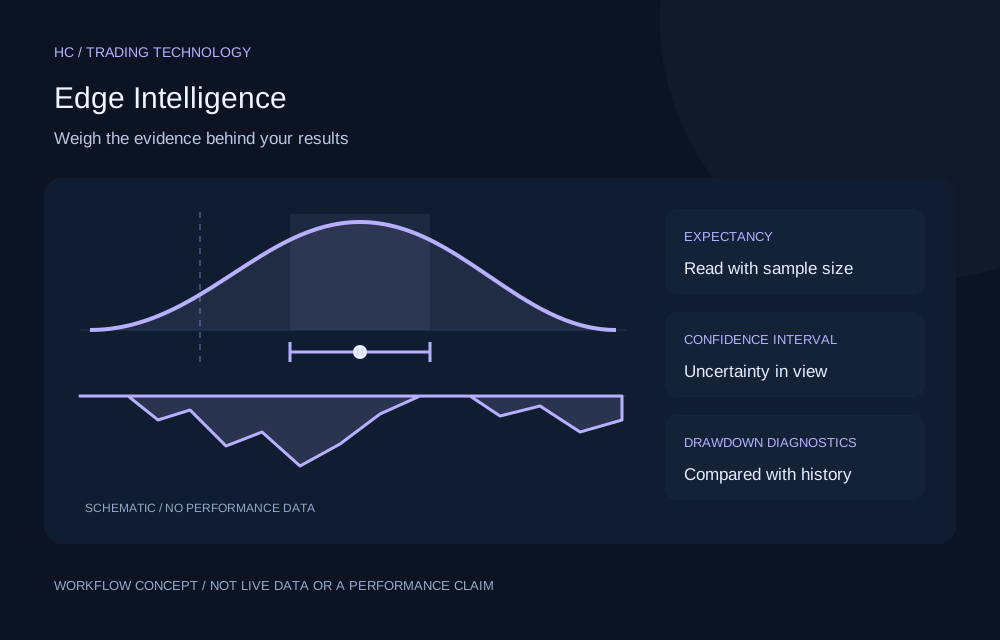
Concept illustration for Edge Intelligence; not a live product screen or performance result
Restricted role access

Edge Intelligence

See how much statistical evidence your trading record holds.

  • Review expectancy and win rate with confidence intervals, alongside profit factor.
  • Compare the current drawdown and losing streak with simulations built from your own earlier trades.
  • Compare recent trades with your earlier record, and compare the strategies you define.
Account permissions applyExplore feature
02 / TOOLKIT

Market Analysis & Intelligence

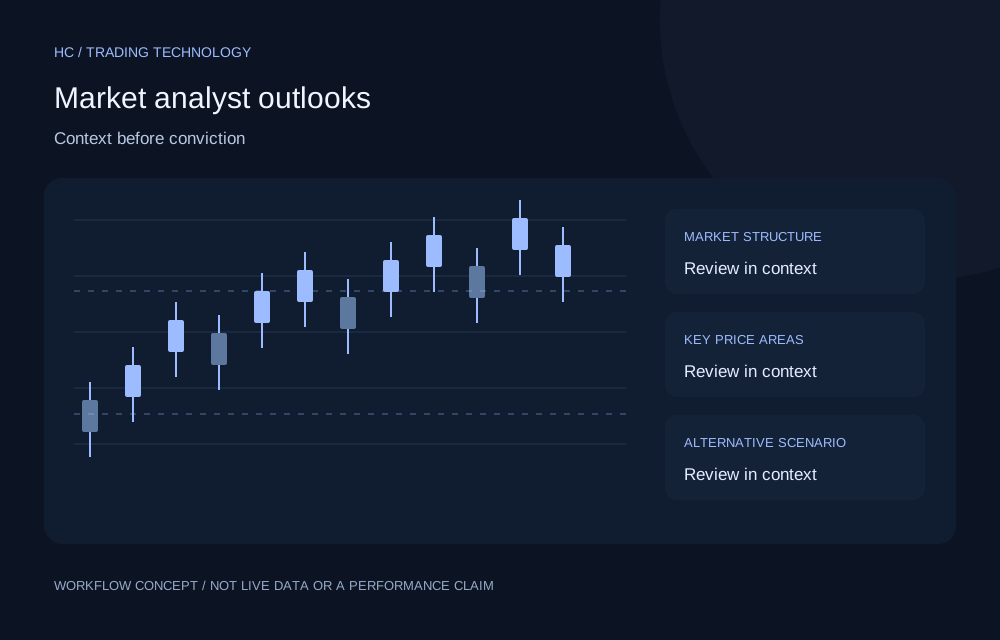
Concept illustration for Market analyst outlooks; not a live product screen or performance result
Free core tool

Market analyst outlooks

Understand the reasoning before forming a view.

  • Read up to six eligible published public previews.
  • Explore technical context and scenarios when full access is authorized.
  • Compare an analyst perspective with your own research.
Free · account permissions applyExplore feature
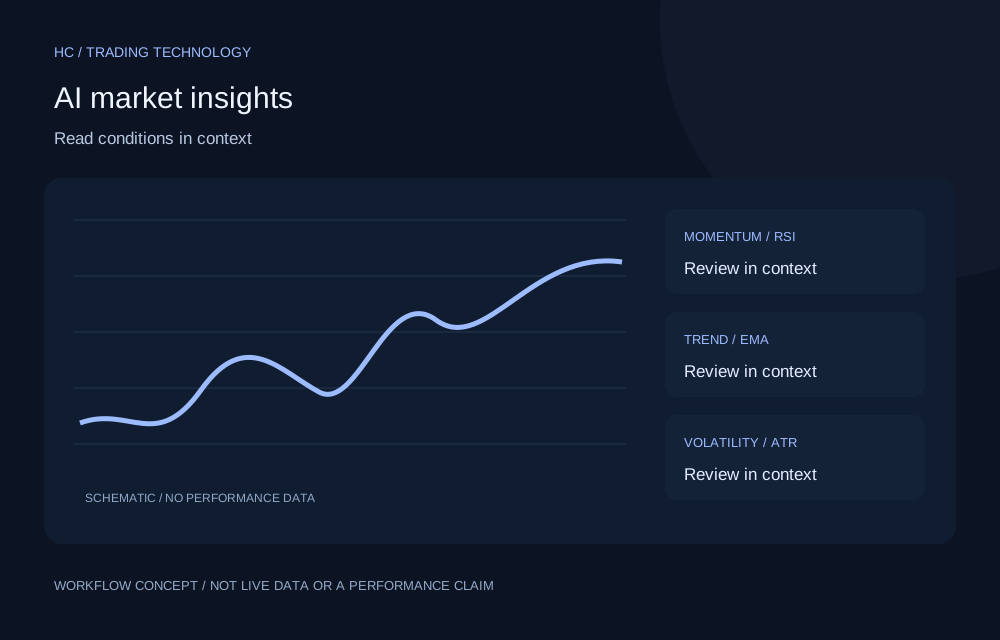
Concept illustration for AI market insights; not a live product screen or performance result
Paid advanced feature

AI market insights

Interpret technical conditions with the data source in view.

  • Compare trend, momentum and volatility observations.
  • Check the dataset source and available timeframes.
  • Use explanations as questions for further investigation.
Account permissions applyExplore feature
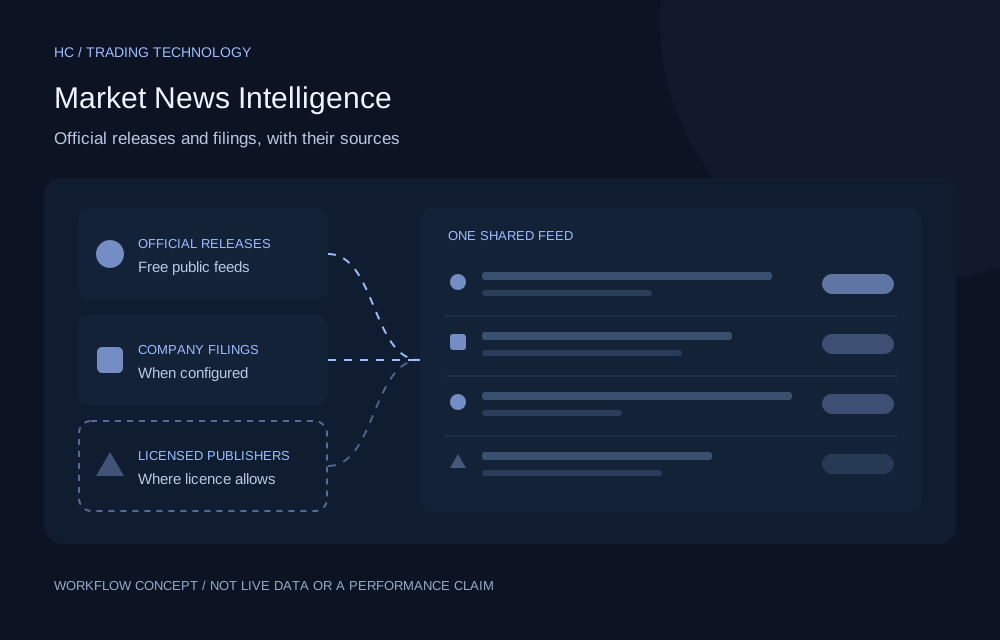
Concept illustration for Market News Intelligence; not a live product screen or performance result
Restricted role access

Market News Intelligence

Follow official economic releases and company filings in one place.

  • Browse gold, stock, economy and company filing items with their source shown.
  • Search and filter by keyword, instrument, source and date.
  • Keep a personal watchlist and save items to read later.
Account permissions applyExplore feature
03 / TOOLKIT

Account Integration & Evaluation

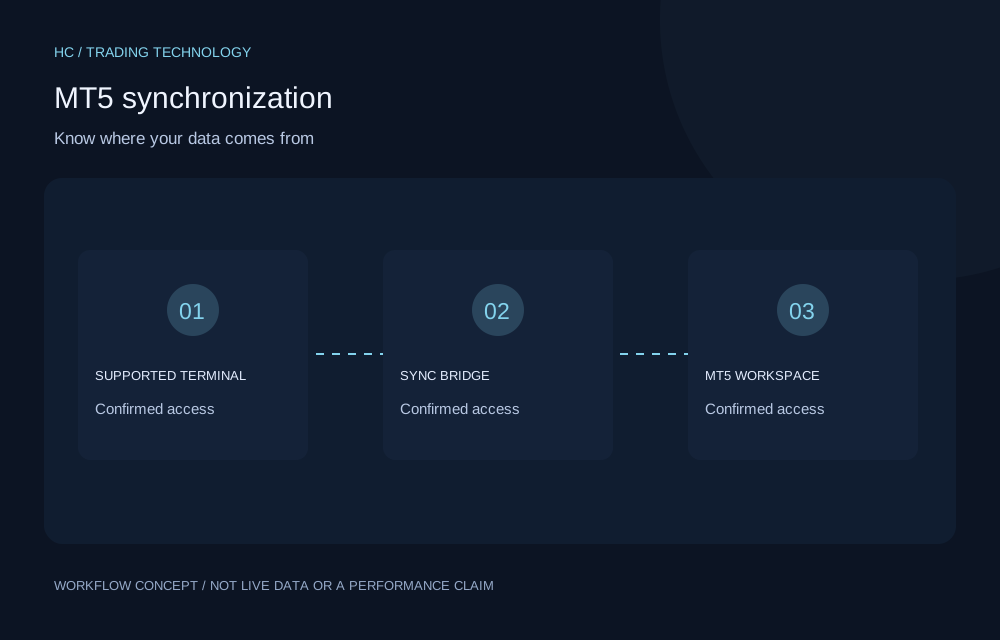
Concept illustration for MT5 synchronization; not a live product screen or performance result
Free core tool

MT5 synchronization

Review supported terminal activity in its own reporting workspace.

  • Connect an eligible account through the supported bridge.
  • Review synchronized trade history and account reporting.
  • Inspect connection and synchronization status.
Free · account permissions applyExplore feature
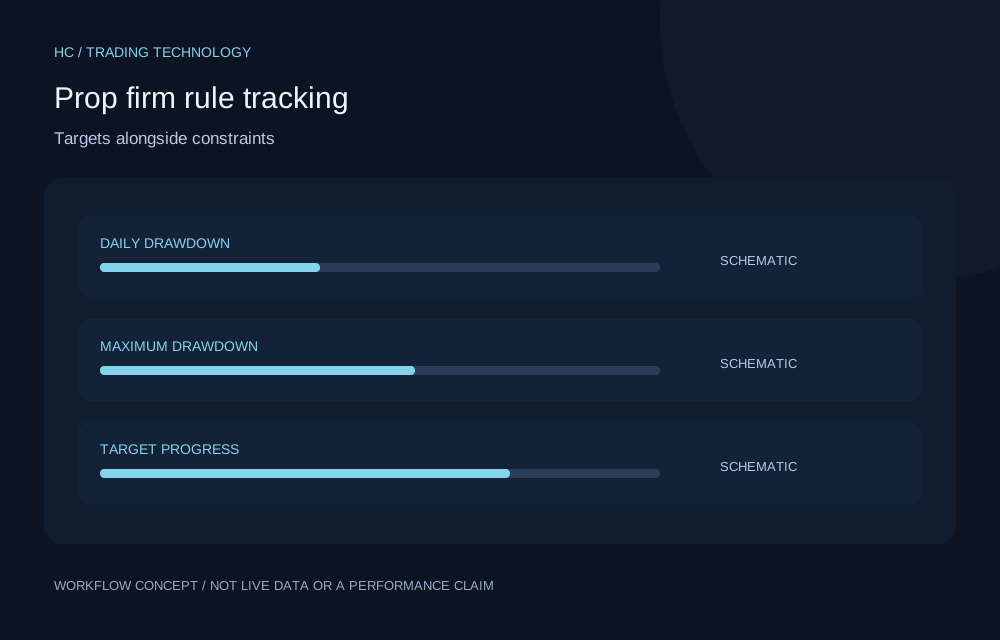
Concept illustration for Prop firm rule tracking; not a live product screen or performance result
Free core tool

Prop firm rule tracking

Review challenge rules alongside journal performance.

  • Track configured evaluation stages and target progress.
  • Consider drawdown and consistency constraints together.
  • Review journal activity against the selected rule configuration.
Free · account permissions applyExplore feature
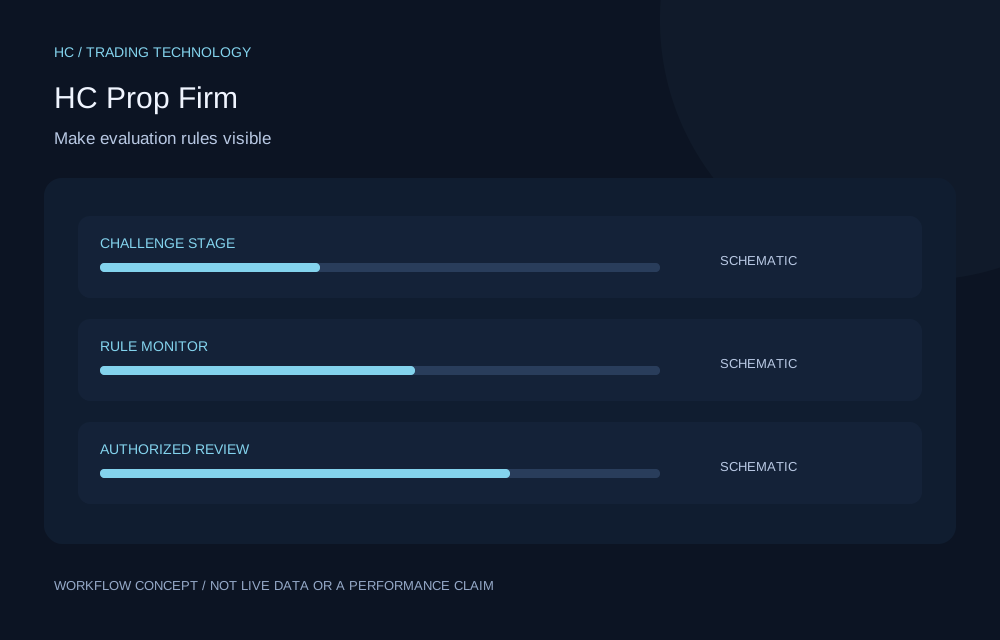
Concept illustration for HC Prop Firm; not a live product screen or performance result
Free core tool

HC Prop Firm

Bring evaluation objectives and constraints into focus.

  • Follow challenge progress and configured objectives.
  • Review drawdown limits and rule monitoring.
  • Track evaluation stages and authorized reviews.
Free · account permissions applyExplore feature
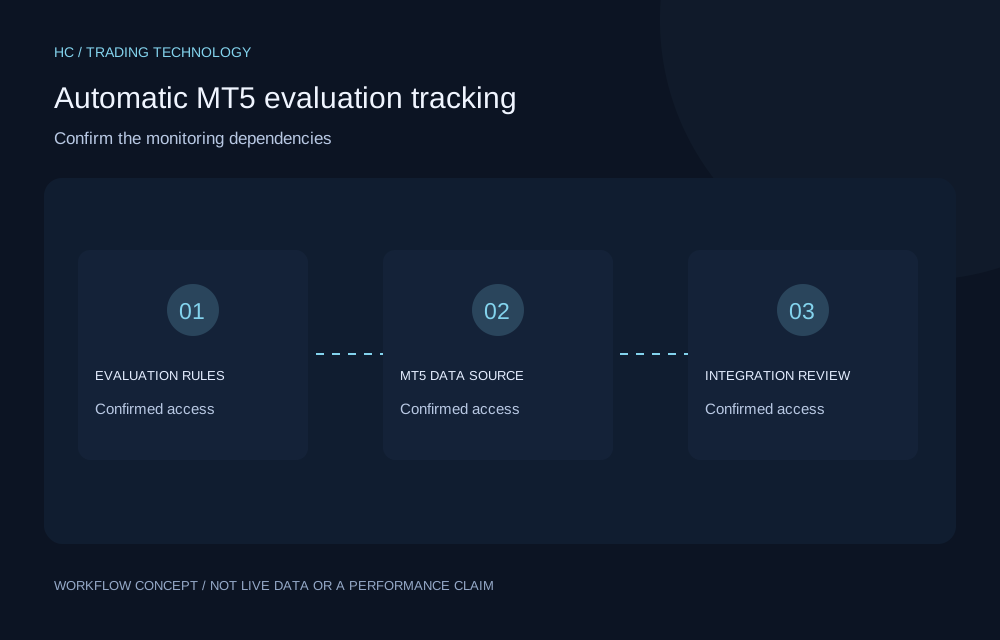
Concept illustration for Automatic MT5 evaluation tracking; not a live product screen or performance result
Restricted role accessComing soon

Automatic MT5 evaluation tracking

Understand the integration requirements before enabling monitoring.

  • Identify the required evaluation and MT5 dependencies.
  • Keep automatic data distinct from manual journal records.
  • Confirm compatibility before relying on monitoring.
Account permissions applyExplore feature
Concept illustration for MT5 risk notifications; not a live product screen or performance result
Restricted role accessComing soon

MT5 risk notifications

Check alert dependencies before relying on a notification.

  • Review the required account-data connection.
  • Consider the supported risk and evaluation context.
  • Confirm the configured notification channel.
Account permissions applyExplore feature
04 / TOOLKIT

Risk & Position Management

Concept illustration for Break-even & position management; not a live product screen or performance result
Free core tool

Break-even & position management

Preview supported protection changes before dispatch.

  • Configure supported position protection settings.
  • Preview the effect of a requested operation.
  • Track dispatch and operation results through the bridge.
Free · account permissions applyExplore feature
05 / TOOLKIT

Education & Community

Concept illustration for Trading knowledge checks; not a live product screen or performance result
Restricted role access

Trading knowledge checks

Test what you understand before moving on.

  • Complete available daily question sets.
  • Review recorded attempts and outcomes.
  • Follow the applicable final examination workflow.
Account permissions applyExplore feature
06 / TOOLKIT

Platform Services & Administration

Concept illustration for Trading instrument configuration; not a live product screen or performance result
Restricted role access

Trading instrument configuration

Keep instrument assumptions explicit.

  • Maintain supported instrument symbols.
  • Configure pip factors and precision.
  • Use the available import template for instrument records.
Account permissions applyExplore feature
ONE CONNECTED PROCESS

From an idea to a useful lesson.

  1. 01

    Analyze

    Investigate the context and assumptions.

  2. 02

    Plan risk

    Define your exposure and invalidation point.

  3. 03

    Execute

    Use your chosen trading environment.

  4. 04

    Record

    Document the trade and your reasoning.

  5. 05

    Review

    Evaluate decisions alongside outcomes.

  6. 06

    Improve

    Choose a change to assess over time.

This is a trading workflow, not a promise of automatic execution. Use only the tools and integrations enabled for your account.

YOUR NEXT CHAPTER

Build better trading habits
with better tools.

Explore technology designed to support informed decisions, structured risk management and continuous improvement.

Create free account

No broker-specific registration required.