
Skip to content
HC Trading HubTHE INDEPENDENT TRADER'S WORKSPACE
Appearance
Account Integration & Evaluation

MT5 synchronization

Review supported terminal activity in its own reporting workspace.

AvailableFree core tool

Free core tool. No payment or paid plan is required. Login and the relevant account permissions apply.

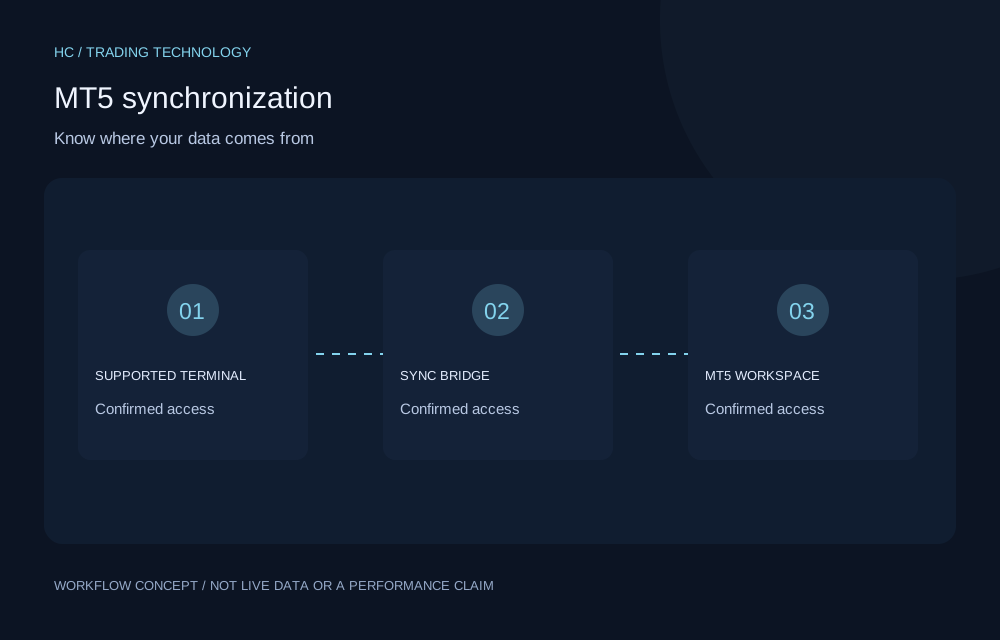
Concept illustration for MT5 synchronization; not a live product screen or performance result
Original workflow illustration. Not live market data, a forecast or a performance claim.
THE PROBLEM IT ADDRESSES

A reason to use it.

Manually moving account history between systems adds work and makes data provenance harder to follow.

A supported MT5 terminal, EA or bridge setup sends account and trade activity to the dedicated synchronization workspace. Connection and synchronization controls help eligible users inspect reporting status without merging this source silently into manual journals.

KEY CAPABILITIES

What it helps you do.

  • Connect an eligible account through the supported bridge.
  • Review synchronized trade history and account reporting.
  • Inspect connection and synchronization status.
A PRACTICAL WORKFLOW

Put it into practice.

  1. Configure the supported terminal and bridge for an eligible account.
  2. Check account identity and synchronization status.
  3. Compare reported activity with your terminal before relying on it.
WHO IT IS FOR

Find the right fit.

MT5 users who can maintain a compatible terminal and synchronization setup.

BEFORE YOU START

Useful questions.

Who is MT5 synchronization designed for?

MT5 users who can maintain a compatible terminal and synchronization setup.

What should I check before using it?

Not every broker or terminal setup is compatible. Synchronization depends on connectivity and configured schedules, and is not guaranteed to be instant. Hosting or VPS costs may apply.

Can I use the tool from this page?

This is a public introduction. Sign in with an eligible account to check the tools and permissions available in your workspace.

CONTINUE EXPLORING

Related tools.

Concept illustration for Prop firm rule tracking; not a live product screen or performance result
Free core tool

Prop firm rule tracking

Review challenge rules alongside journal performance.

  • Track configured evaluation stages and target progress.
  • Consider drawdown and consistency constraints together.
  • Review journal activity against the selected rule configuration.
Free · account permissions applyExplore feature
Concept illustration for HC Prop Firm; not a live product screen or performance result
Free core tool

HC Prop Firm

Bring evaluation objectives and constraints into focus.

  • Follow challenge progress and configured objectives.
  • Review drawdown limits and rule monitoring.
  • Track evaluation stages and authorized reviews.
Free · account permissions applyExplore feature
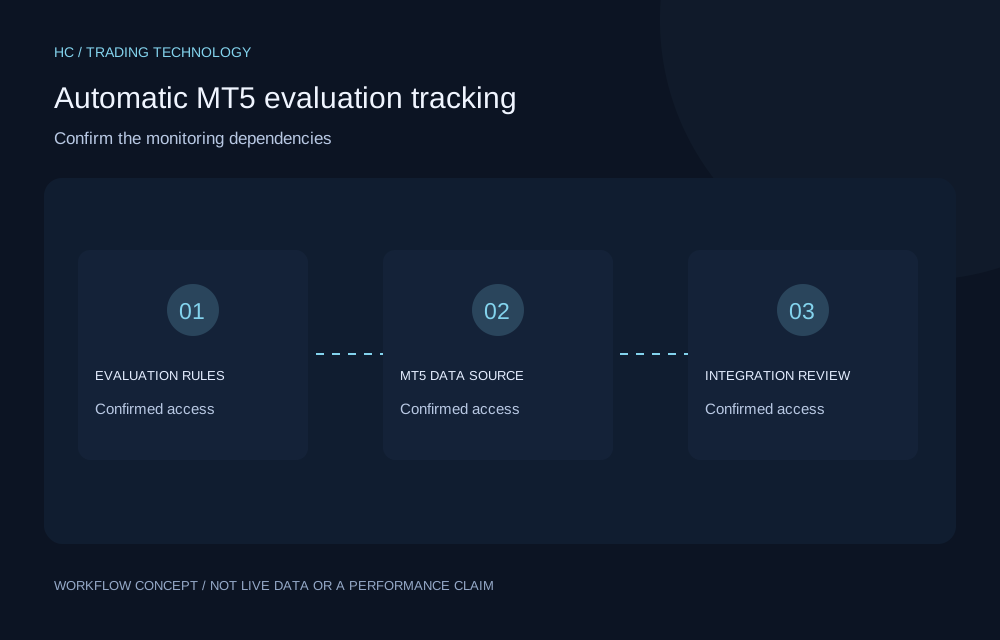
Concept illustration for Automatic MT5 evaluation tracking; not a live product screen or performance result
Restricted role accessComing soon

Automatic MT5 evaluation tracking

Understand the integration requirements before enabling monitoring.

  • Identify the required evaluation and MT5 dependencies.
  • Keep automatic data distinct from manual journal records.
  • Confirm compatibility before relying on monitoring.
Account permissions applyExplore feature
YOUR NEXT CHAPTER

Build better trading habits
with better tools.

Explore technology designed to support informed decisions, structured risk management and continuous improvement.

Create free account

No broker-specific registration required.