
Break-even & position management
Preview supported protection changes before dispatch.
Free core tool. No payment or paid plan is required. Login and the relevant account permissions apply.
A reason to use it.
Managing several positions manually can make stop-loss changes difficult to track and review.
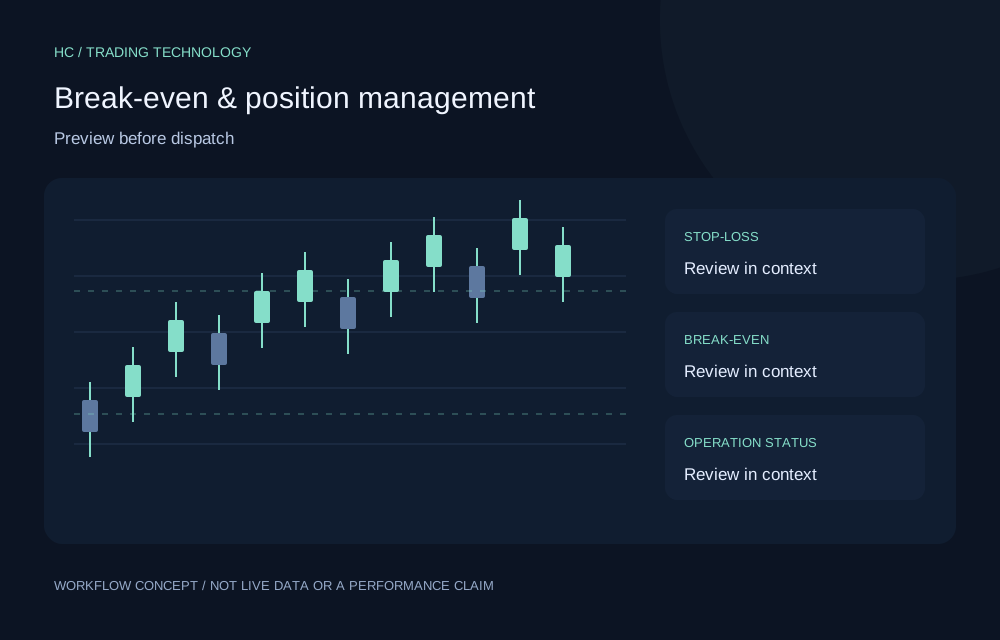
The supported MT5 workflow provides protection settings, previews and operation status for position management actions. Eligible users can plan break-even and supported stop-loss or take-profit operations through the configured bridge.
What it helps you do.
- Configure supported position protection settings.
- Preview the effect of a requested operation.
- Track dispatch and operation results through the bridge.
Put it into practice.
- Use the supported demo setup and verify account identity.
- Review a protection preview and affected positions.
- Submit an authorized action and confirm the result in MT5.
Find the right fit.
Eligible MT5 users who understand order protection and integration behavior.
Useful questions.
Who is Break-even & position management designed for?
Eligible MT5 users who understand order protection and integration behavior.
What should I check before using it?
Requires an enabled module, eligible account and supported terminal bridge. Start with the documented demo setup. Network failures and broker constraints can prevent a change; verify results in the terminal.
Can I use the tool from this page?
This is a public introduction. Sign in with an eligible account to check the tools and permissions available in your workspace.
Build better trading habits
with better tools.
Explore technology designed to support informed decisions, structured risk management and continuous improvement.
No broker-specific registration required.