
Skip to content
HC Trading HubTHE INDEPENDENT TRADER'S WORKSPACE
Appearance
Trading Journal & Performance

Edge Intelligence

See how much statistical evidence your trading record holds.

AvailableRestricted role access

Restricted role access. Eligibility follows the existing staff or service permissions; buying an advanced plan does not grant this role.

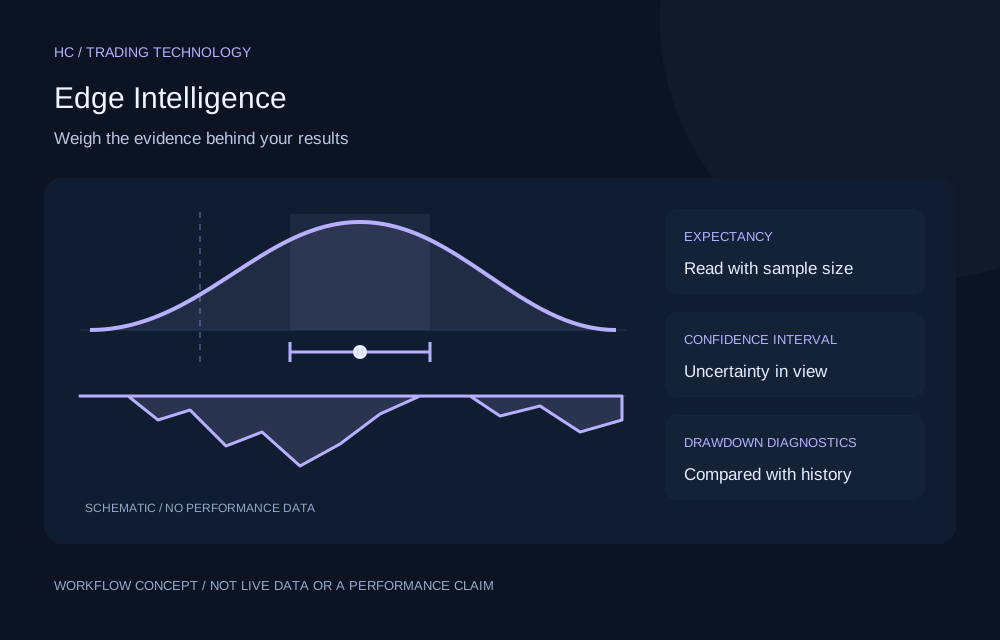
Concept illustration for Edge Intelligence; not a live product screen or performance result
Original workflow illustration. Not live market data, a forecast or a performance claim.
THE PROBLEM IT ADDRESSES

A reason to use it.

A profitable run can be chance, and a losing streak can still be ordinary variation. A short record rarely settles either question.

Analyze your own closed trades from one source at a time: the Trading Journal or a single synchronized MT5 account, never the two combined. Expectancy in money or R, confidence intervals, realised drawdown, losing streaks and recent changes are shown with the sample size and an evidence status, so each result is read together with its uncertainty.

KEY CAPABILITIES

What it helps you do.

  • Review expectancy and win rate with confidence intervals, alongside profit factor.
  • Compare the current drawdown and losing streak with simulations built from your own earlier trades.
  • Compare recent trades with your earlier record, and compare the strategies you define.
A PRACTICAL WORKFLOW

Put it into practice.

  1. Choose the Trading Journal or one MT5 account as the data source.
  2. Check the eligible trade count, data-quality notes and evidence status.
  3. Use the diagnostics to decide which trades and habits to review.
WHO IT IS FOR

Find the right fit.

Traders with a closed-trade history in the journal or a synchronized MT5 account who want to judge results with the sample size in view.

BEFORE YOU START

Useful questions.

Who is Edge Intelligence designed for?

Traders with a closed-trade history in the journal or a synchronized MT5 account who want to judge results with the sample size in view.

What should I check before using it?

Analytics only: it never opens, closes or changes trades. Small samples show no confidence interval, R needs the initial risk recorded at entry, drawdown is realised trade profit and loss rather than account equity, and historical statistics do not predict future results.

Can I use the tool from this page?

This is a public introduction. Sign in with an eligible account to check the tools and permissions available in your workspace.

CONTINUE EXPLORING

Related tools.

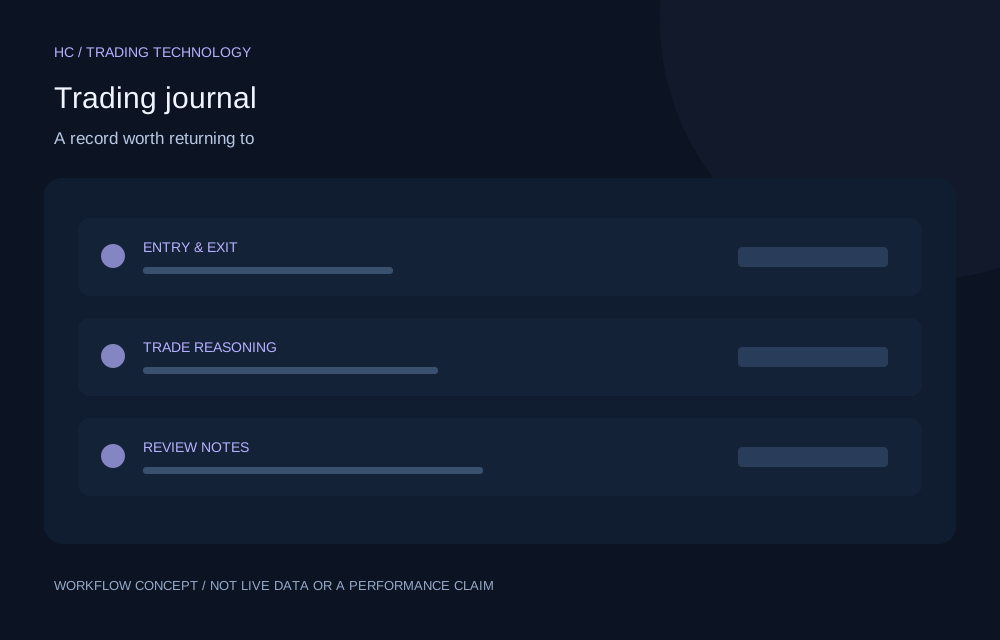
Concept illustration for Trading journal; not a live product screen or performance result
Free core tool

Trading journal

Turn individual trades into a record you can learn from.

  • Record trade reasoning alongside entries, exits and outcomes.
  • Import supported XLS, XLSX and CSV formats, including supported MT5 reports.
  • Export records and revisit the decisions behind a setup.
Free · account permissions applyExplore feature
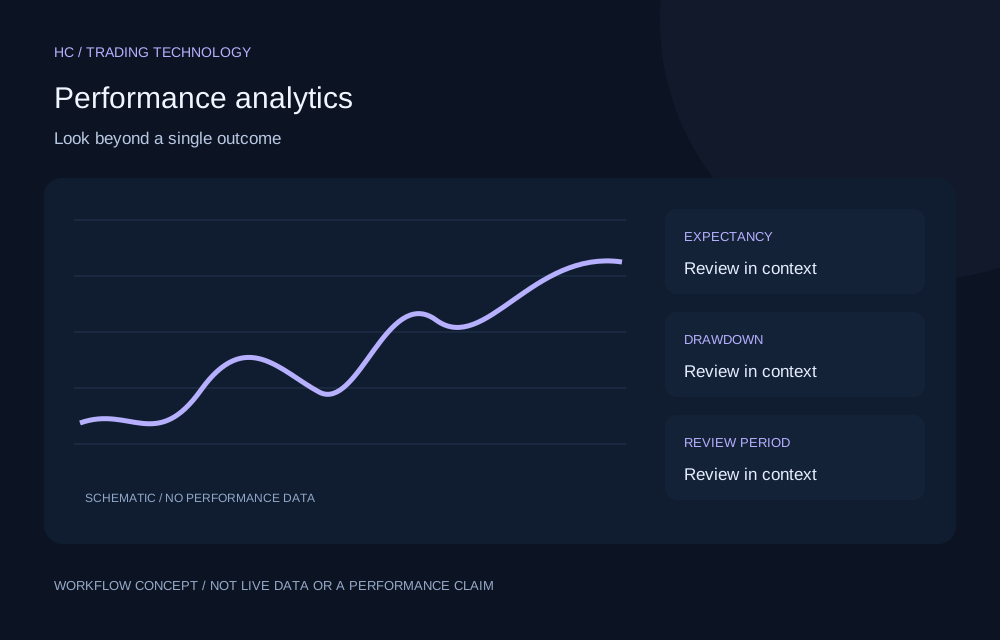
Concept illustration for Performance analytics; not a live product screen or performance result
Free core tool

Performance analytics

Understand the pattern behind your results.

  • Compare win rate with profit factor and expectancy.
  • Review drawdown, equity development and consistency measures.
  • Filter journal results by supported periods and account stages.
Free · account permissions applyExplore feature
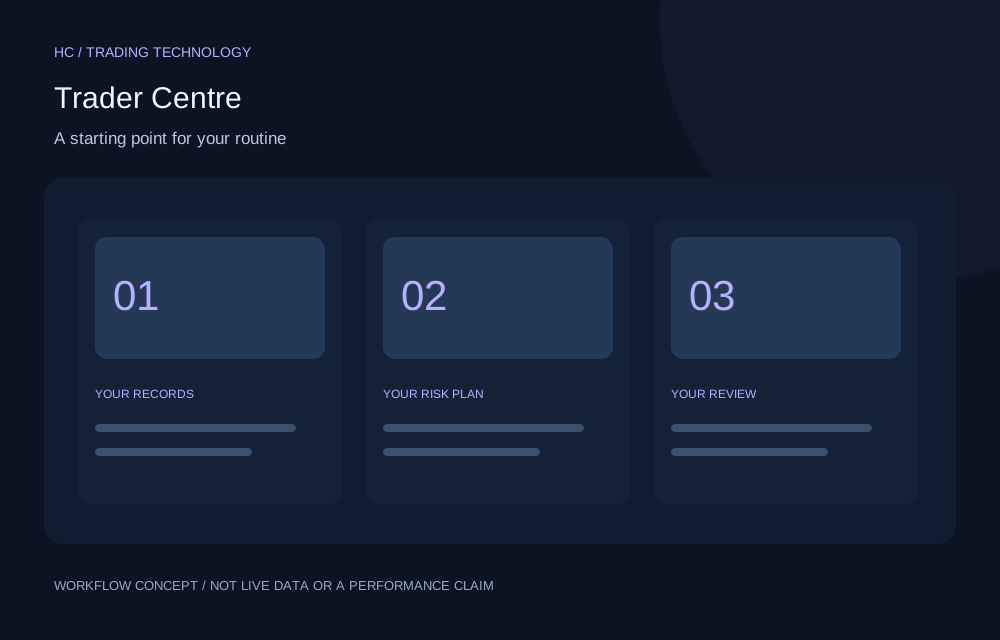
Concept illustration for Trader Centre; not a live product screen or performance result
Free core tool

Trader Centre

Keep your trading review organized around a shared workspace.

  • Navigate the enabled trader tools in one workspace.
  • Move between recordkeeping, review and risk workflows.
  • Use the functionality permitted by your account level.
Free · account permissions applyExplore feature
YOUR NEXT CHAPTER

Build better trading habits
with better tools.

Explore technology designed to support informed decisions, structured risk management and continuous improvement.

Create free account

No broker-specific registration required.